Styxis
Company
Knowledge

Software Sworn to Truth

Validate data. Connect industrial systems.

Validate data. Connect industrial systems.

Based in Jeju, South Korea, Styxis builds software for enterprise data validation and management, and industrial system connectivity and operations.

Truthound Depot and TRAP are our two flagship products. Truthound Depot validates and governs datasets, AI training images, and ERD/DB implementation. TRAP collects and normalizes industrial protocol signals and supports device connectivity and operations.

Why Styx
01 / Decisions and actions must carry responsibility.

OATH

As an oath on the Styx bound words to consequence, Styxis connects every system action to its goal, context, authority, policy, and decision maker. What ran and why must remain clear.

02 / Keep facts and judgments, proposals and actions distinct.

BOUNDARY

As the Styx marks a boundary between worlds, Styxis distinguishes observations from AI interpretation, permitted from prohibited actions, and proposals under review from approved execution.

03 / Let verified change cross into execution.

CROSSING

Styxis turns proposals into data changes, releases, approvals, and operational actions only after their goals, authority, and required reviews are confirmed. Outcomes remain inspectable and recoverable.

Our Products

Two flagship products for data and industrial operations 

Truthound Depot validates and governs enterprise data. TRAP connects industrial devices and operates protocol data flows. Each solves its own customer problem. 

TRAP Gateway + ClientOT Gateway for Machine Signals

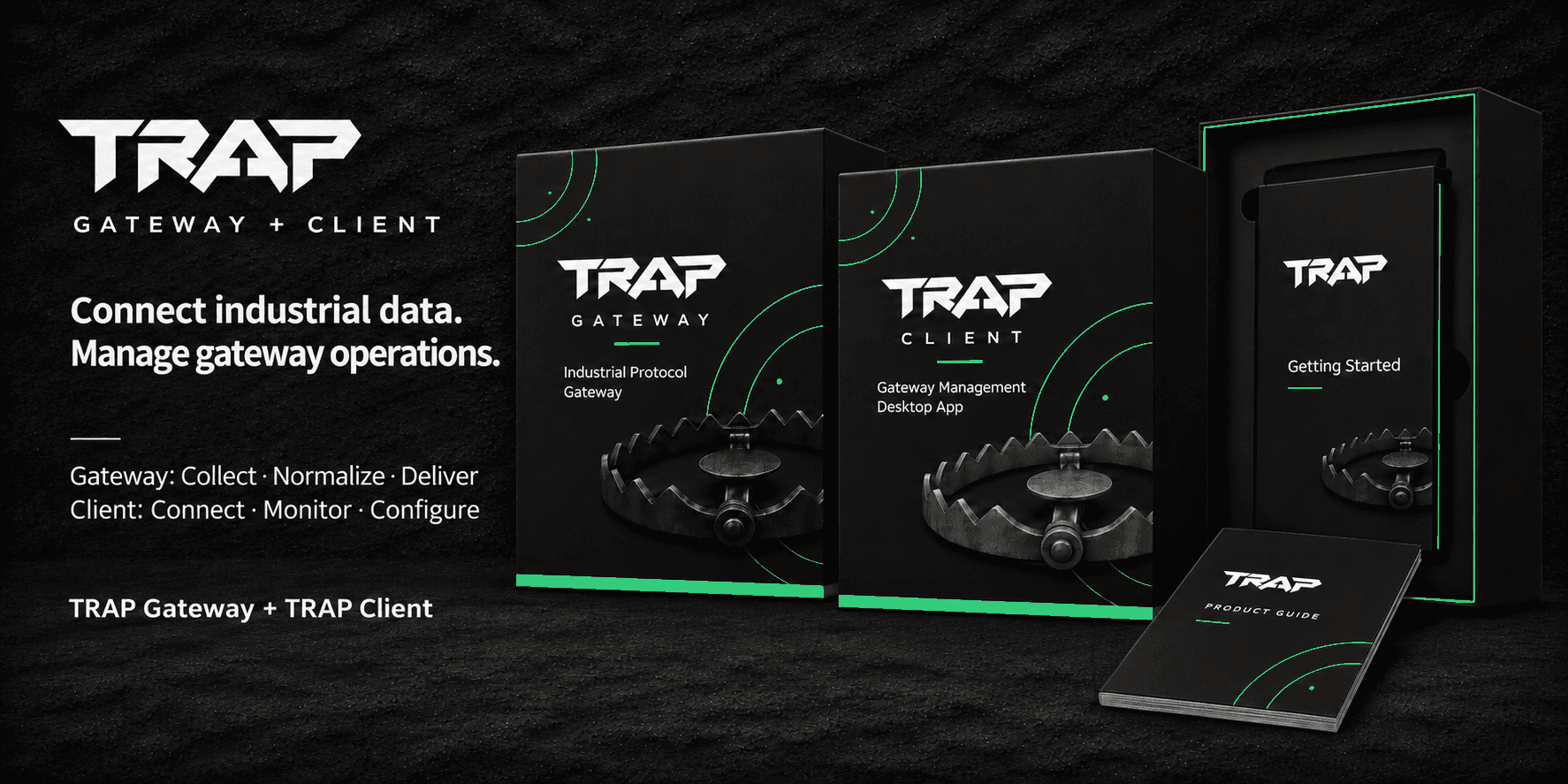
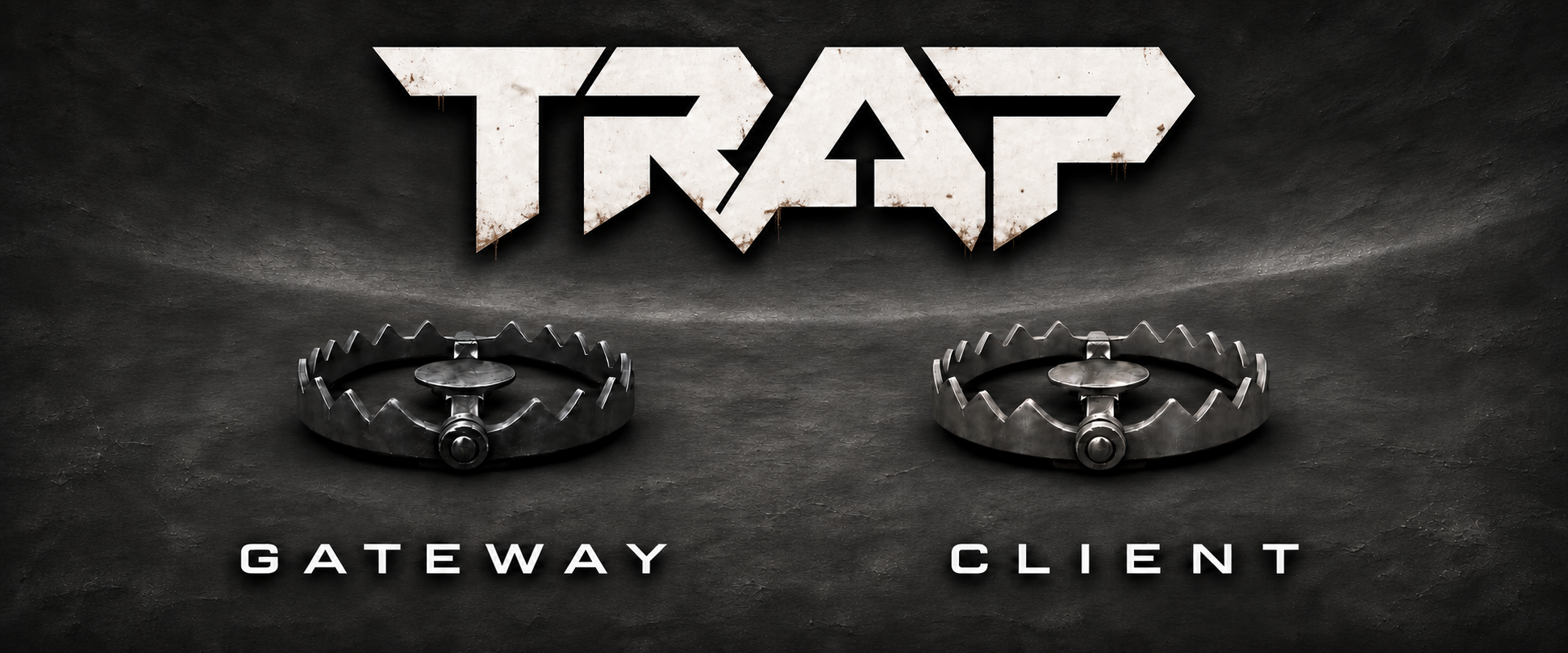
TRAP Gateway + Client

No Protocol Escapes.

TRAP Gateway collects and delivers industrial data. TRAP Client connects, monitors and configures multiple gateways.

OT GatewaySignal NormalizationModbus / OPC UA
View TRAP ›
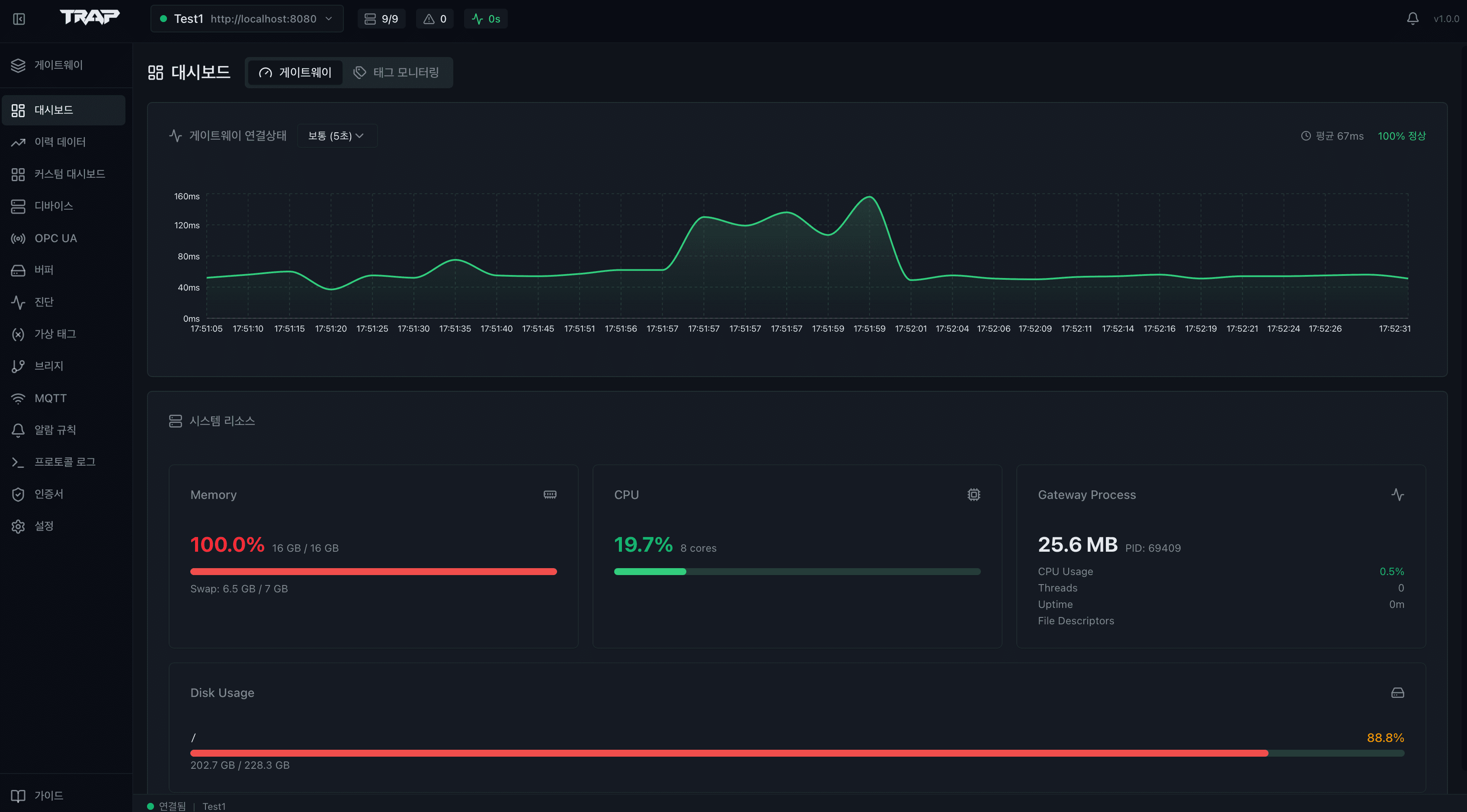
TRAP Gateway + Client product interface
●  Public & operational · Contact usProtocol Runtime
Truthound DepotData/AI Governance

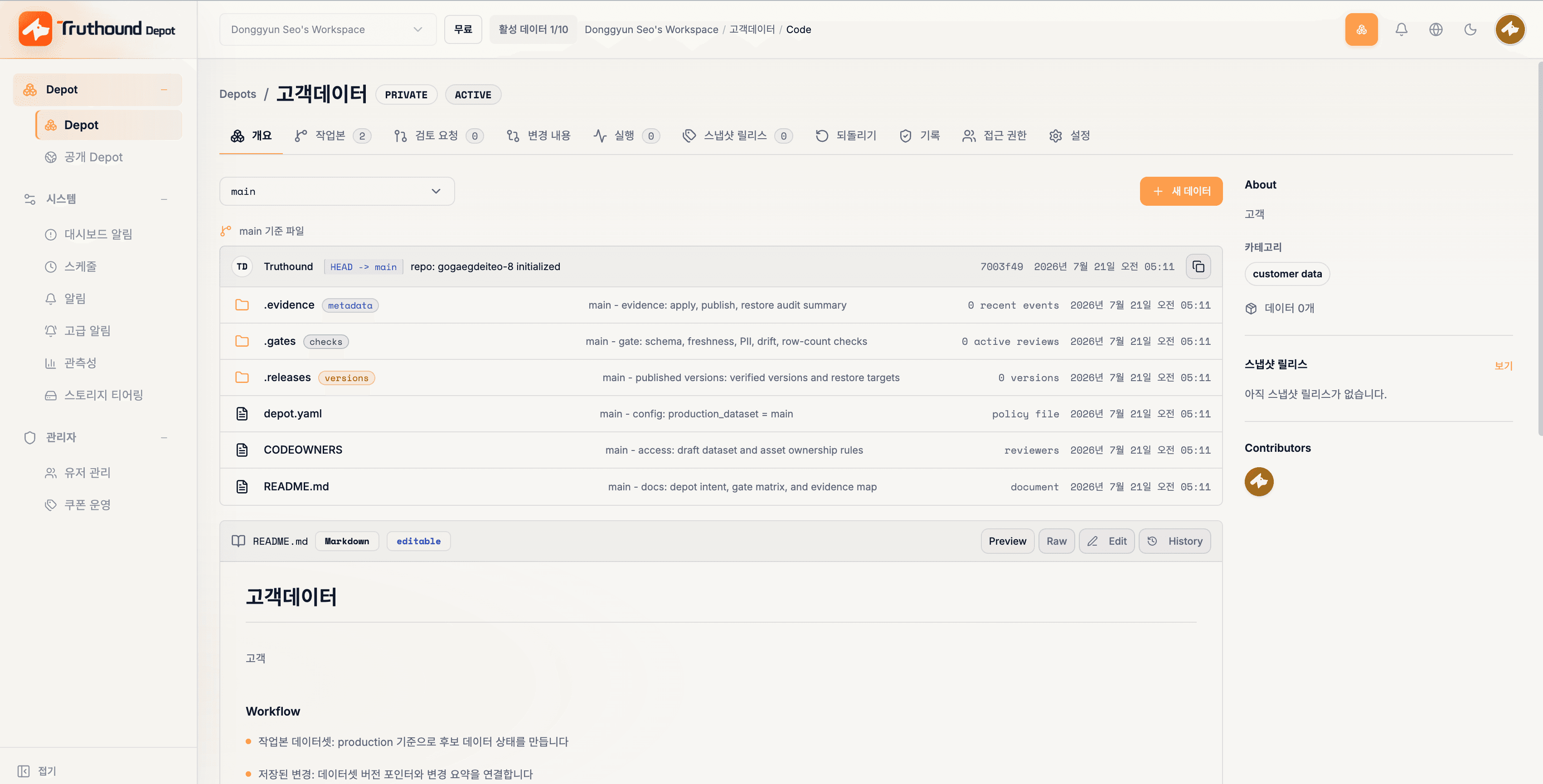
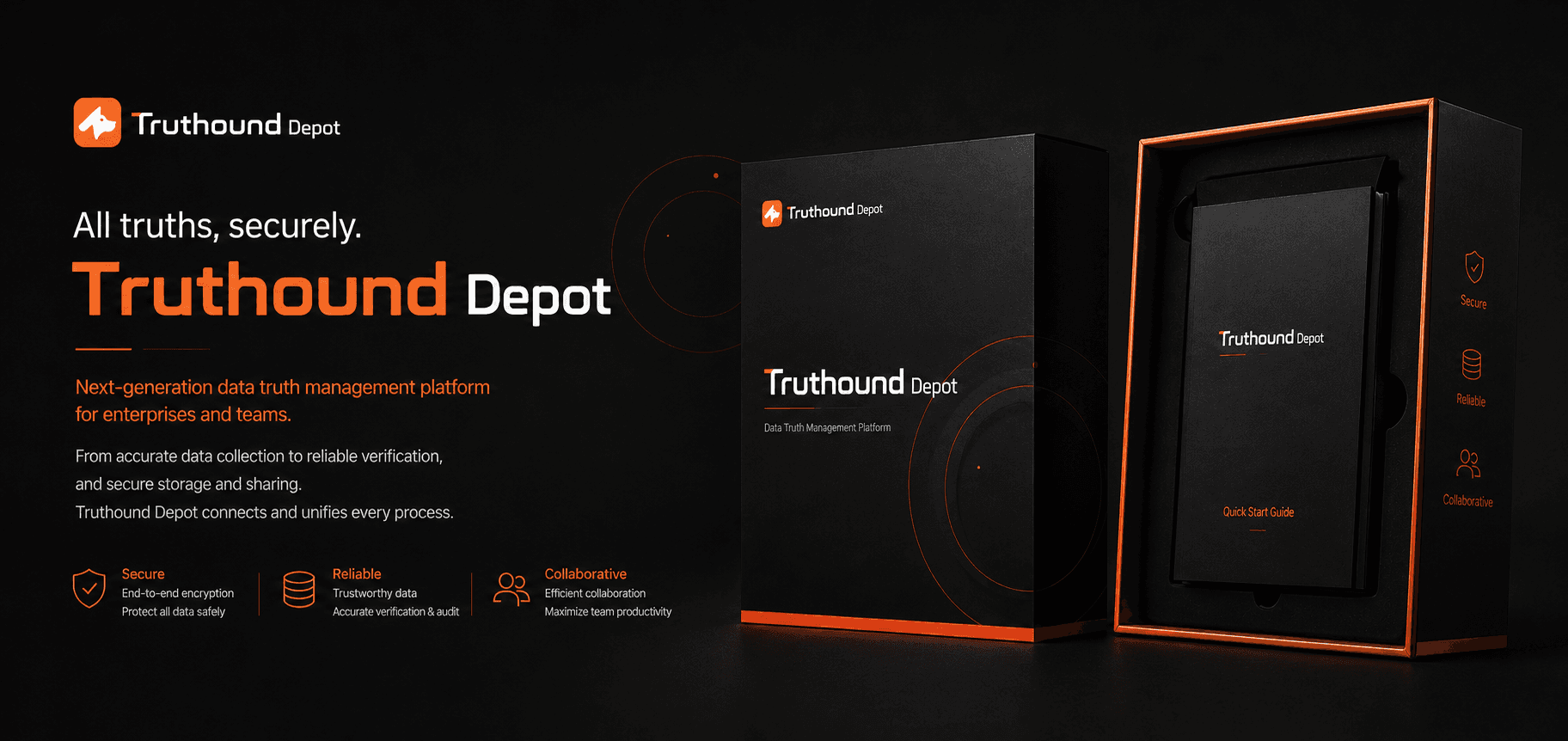
Truthound Depot

Sensitive data stays put. Reviewable Evidence moves forward.

Validate datasets, AI training images, and ERD/DB implementation inside safe execution boundaries. Try the online demo with non-sensitive data, then scope real operations through a customer-hosted installation.

Dataset validationAI image workflowERD/DB audit
View Truthound Depot ›
Truthound Depot product interface
●  Online demo · customer-hosted supplyDemo + install
TRAP Gateway + TRAP Client software packages
02 / GATEWAY + CLIENT BUNDLE

TRAP Gateway + Client

"No Protocol Escapes."

Gateway connects industrial data. Client brings gateway operations into one workspace. Two distinct products connect the field and its operators.

TRAP GatewayTRAP Client
Explore TRAP products

GATEWAY + CLIENT

From data collection to gateway operations

Gateway collects and delivers data. Client monitors and configures connected gateways. Explore the roles of these two separately installed software products.

Three sales packages are planned: TRAP Gateway standalone, TRAP Client standalone, and a Gateway + Client bundle. Buying both together is not mandatory. Pricing and terms are confirmed through consultation.

TRAP Gateway + TRAP Client

TRAP Gateway

The server connecting industrial data

Collect and normalize industrial device data, then deliver it to upstream systems through REST APIs and WebSocket.

Explore Gateway →

TRAP Client

The desktop app for gateway operations

Connect multiple TRAP Gateways to monitor live data and device status, configure devices, and manage history and alarms.

Explore Client →

01 / SYSTEM ARCHITECTURE

From field signals to an operations workspace

Gateway handles collection and delivery. Client connects to Gateway for monitoring and configuration. Business systems connect directly to the Gateway API without passing through Client.

FIELD / OT

Sensors · PLCs · Building systems

  • Modbus TCP
  • Modbus RTU
  • OPC UA
COLLECT

TRAP Gateway

Industrial protocol server

Device connectivity · Collection

Normalization · Buffering

API · Data delivery

TRAP Protocol
REST API / WebSocket

REST / WS

TRAP Client

Monitoring · Configuration · History · Alarms

↔ Status and configuration requests to Gateway

Upstream business systems

SCADA · BEMS · ESG · Data Lake

Data integration through Gateway APIs

Gateway and Client are installed separately. Client operations depend on the connected Gateway’s capabilities and access permissions.

02 / CAPABILITIES

A collection server. An operations workspace.

01TRAP GATEWAY

One data model across field protocols

Gateway collects and normalizes signals across devices. Upstream systems consume the TRAP API instead of implementing each field protocol.

02TRAP GATEWAY

Collection designed for interruptions

Automatic reconnection, circuit breakers and offline buffering handle field connection failures. Buffer policies and recovery conditions are configured for the deployment.

03TRAP CLIENT

Multiple gateways, one workspace

Client shows gateway connectivity, live tag values and device status. Manage distributed collection servers from a desktop workspace.

04TRAP CLIENT

Configuration, history and alarms

Configure devices and tags, inspect history and manage alarms in Client. The connected Gateway executes collection and processing.

03 / OPERATOR WORKSPACE

See the field. Decide the next action.

Live values tell only part of the story. Use Client to review connectivity, data quality, device information and history together, then manage the required configuration.

Explore Client screens and features →
TRAP Client operations dashboard

Live values and device status

Tag history and trends

Alarm review and configuration

04 / DEPLOYMENT

Connect and verify in your environment

01

Scope the field environment

Identify devices, protocols, networks and data requirements. Select a configuration for the supported devices and connection requirements.

02

Deploy and configure Gateway

Install Gateway on the collection server and configure device connections, tags, collection intervals and delivery paths.

03

Connect Client and verify operations

Connect from Client on the operator’s computer. Verify live values, recovery, alarms and history in the actual environment.

Which devices and systems do you need to connect?

Share your devices, protocols and operating environment. We will review Gateway configuration and Client operations together.

Discuss adoption →
01 / Data and AI Governance

TRUTHOUND DEPOT

"Keep sensitive data in place. Leave verifiable results behind."

Truthound Depot processes dataset validation, AI training image workflows, and ERD/DB audits in safe execution environments.
It is not a product for exporting original data, database credentials, or private images. It records the summaries, metadata, and Evidence teams need to review, repeat, and approve work.

ValidateDatasets and schemas
InspectAI image workflows
AuditERD to database
Explore Truthound
Truthound Depot package image
DATA

Dataset validation and versioning

Inspect dataset versions for PII, validation rules, schema drift, anomalies, and review impact before teams approve the change.

IMAGE

AI training image workflows

Review image sets, annotations, quality signals, and generation workflow metadata without exposing private source images as product data.

ERD/DB

ERD design and DB implementation audit

Audit ERDs against standard words, terms, and domains, then verify whether the approved design was implemented in the physical database.

0
Source data copied by default
3
Validation domains
1
Reviewable Evidence trail
Truthound Depot logo
01
Depot
Open demo workspace
02
Data Version
Import or connect
03
Validation
Check quality
04
Review Request
Request review
05
Evidence
Keep the basis
06
Publish / Restore
Publish or recover

One governance flow for datasets, images, and ERD/DB evidence

Truthound Depot gives reviewers the facts they need without turning private data, credentials, or non-public images into exported product payloads.

01

Dataset validation

Version datasets, run PII, validation, schema, drift, and anomaly checks, and compare results before a change is approved.

02

AI image review

Inspect training image quality, annotation consistency, and generation workflow metadata while private image assets stay inside the agreed boundary.

03

Private Agent execution

Run validation close to the source with local credentials and read-only access, then return reviewable result contracts instead of raw private data.

04

ERD design audit

Check whether ERD design follows approved standard words, standard terms, domain definitions, naming rules, and relationship intent.

05

DB implementation audit

Verify that the actual database implements the approved ERD with matching physical names, logical names, tables, columns, keys, and structure.

06

Evidence · Report

Record summaries, metadata, issue context, reviewer decisions, and reports so repeat review and approval can happen from the same basis.

Contact

Enterprise data. 
Industrial connections. 

Talk to Styxis about data validation with Truthound Depot or industrial connectivity with TRAP. 

Software Sworn to Truth